
CASI, Personal Finance for iOSYour first step to
financial freedom.
Money gone before the month ends? See where it goes, break the habits that drain it, and stop worrying.



About CASI
CASI is an iPhone personal finance app for tracking day-to-day money activity without turning your life into accounting.
- CASI is spelled C-A-S-I.
- The ledger is stored on-device by default, and stays on the iPhone unless the user exports it or enables Cloud Backup.
- Optional sign in with Apple or Google is account authentication only.
- CASI is developed and published by Ziteox (Pvt) Ltd.
Key Features
Core tracking works free. Casi Pro adds planning tools and Cloud Backup.
- On-device ledger by default for private day-to-day tracking.
- Income and expense tracking with categories and notes.
- Lending and obligation tracking to follow money owed and due.
- CSV export for transaction logs only (date, note, amount, category, type).
- Optional account sign in with Apple or Google for authentication.
- Casi Pro: budgets, savings goals, envelope groups, obligation reminders, and optional Cloud Backup.
Everything you need
to get free.
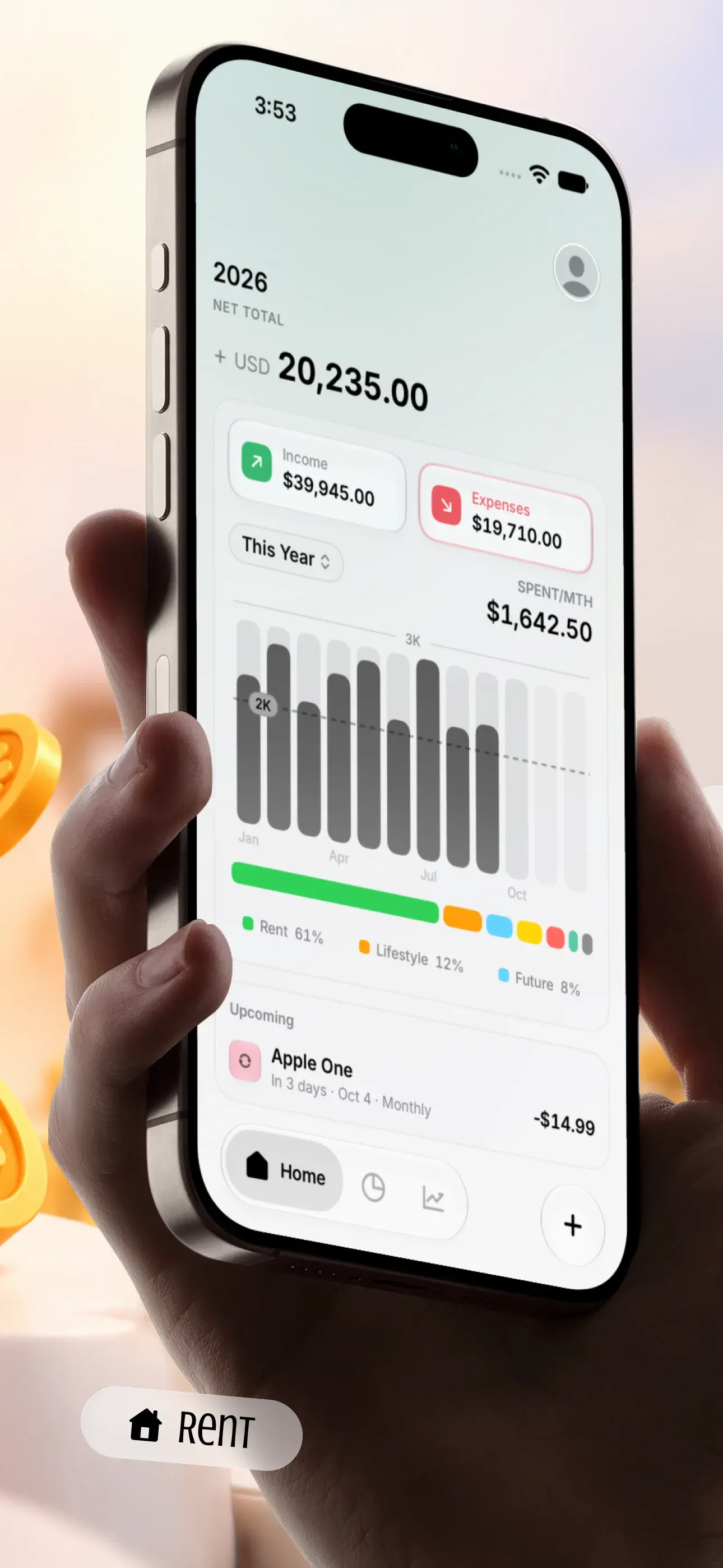
Track income, expenses, savings, budgets and more. Casi turns messy spending into a clear picture, so better habits come easier.
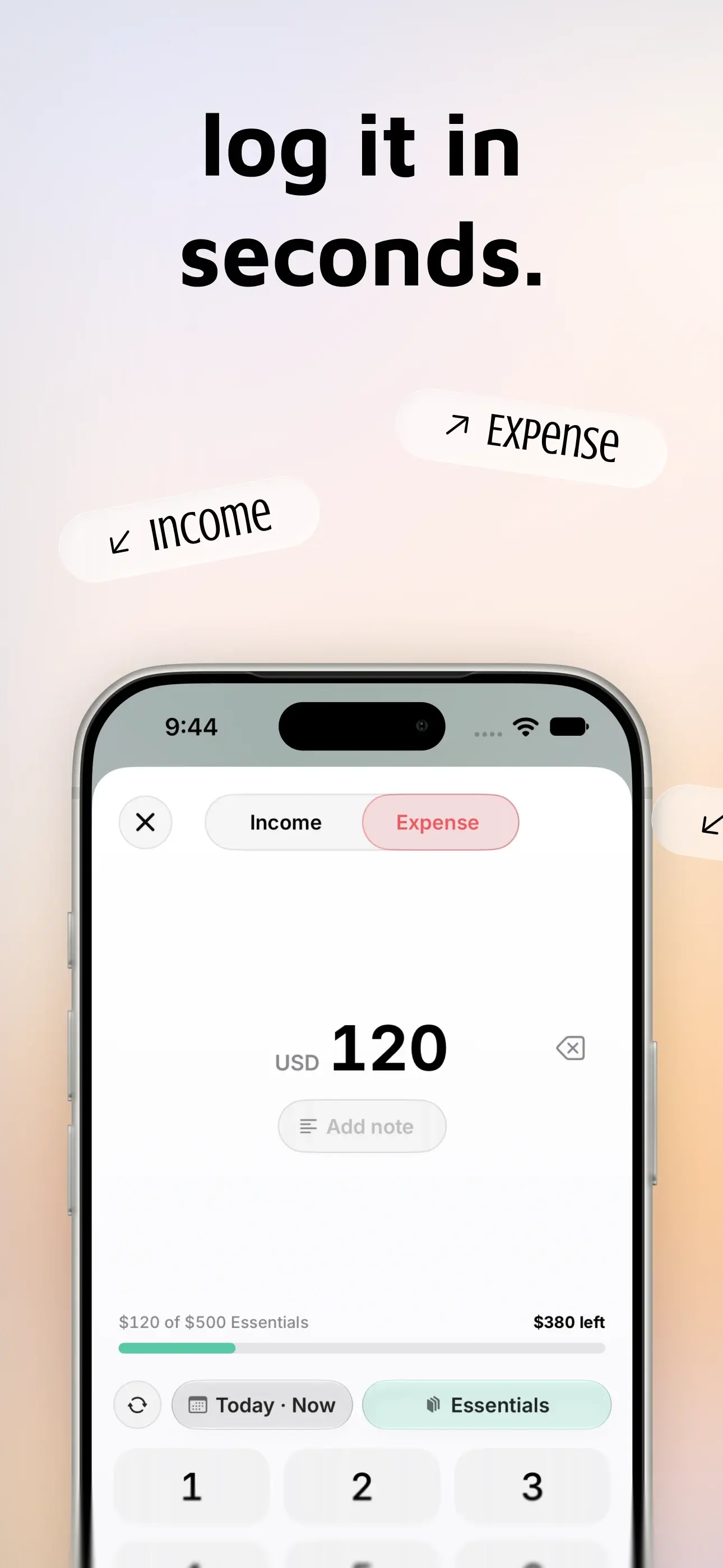
- Track Transactions
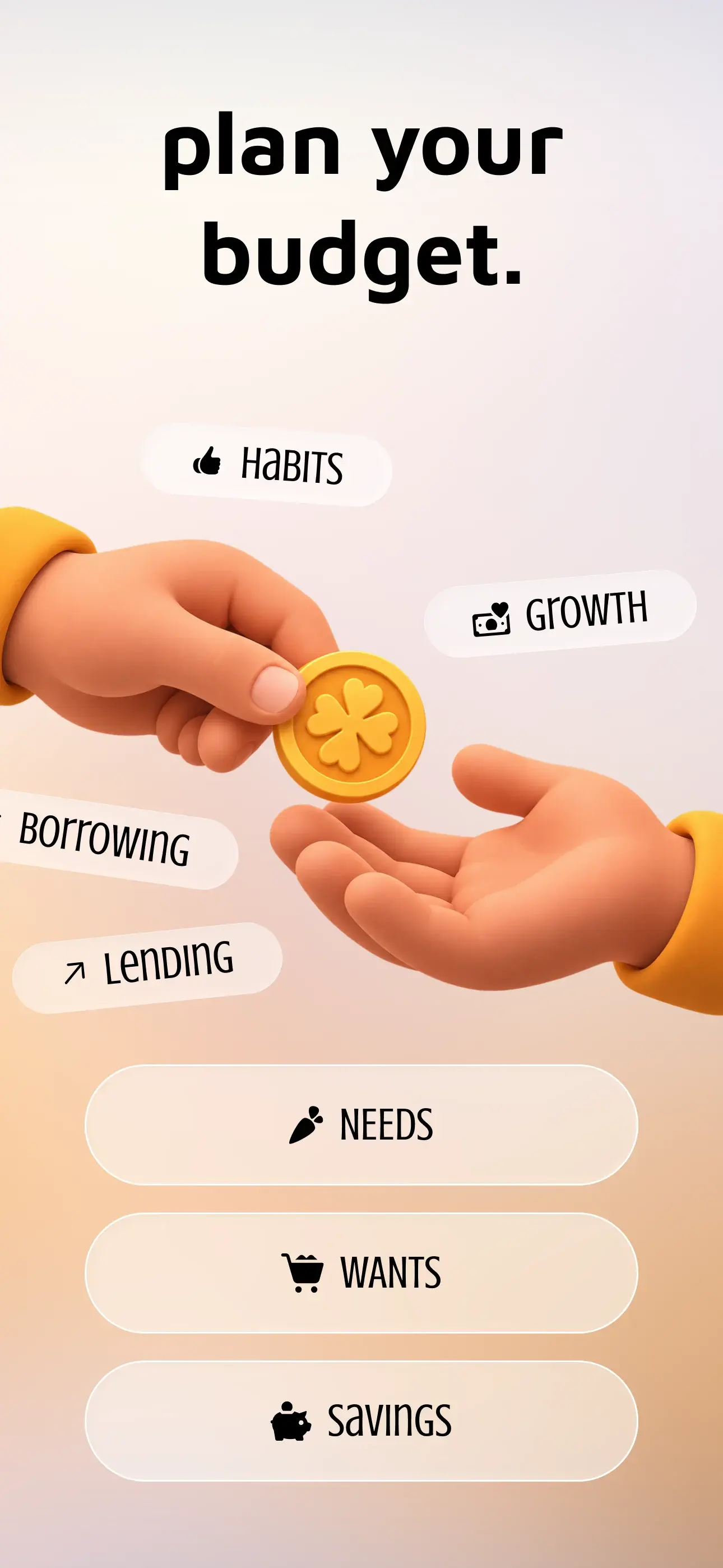
- Set Budgets
- Build Savings
- Manage Recurring Expenses
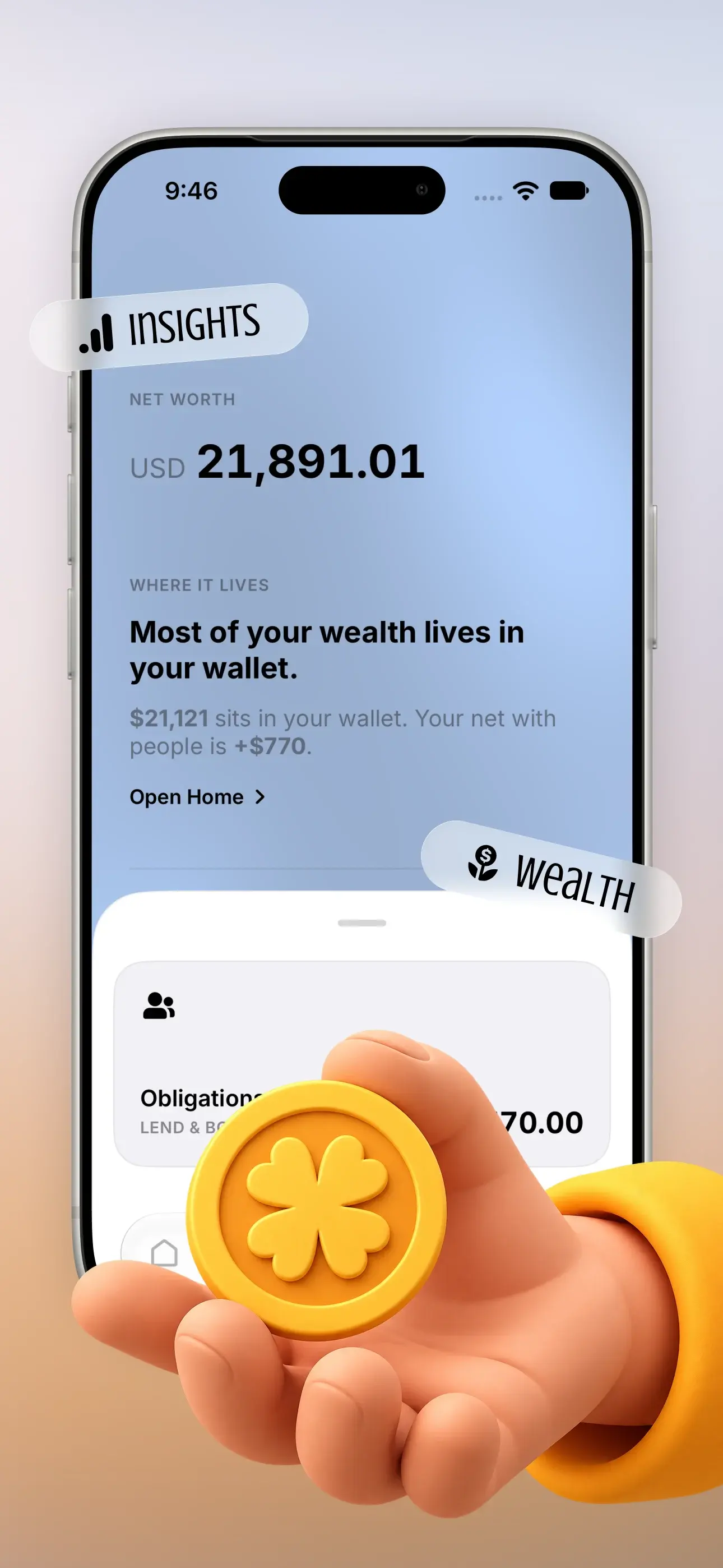
- Track Lending
- See Your Financial Health


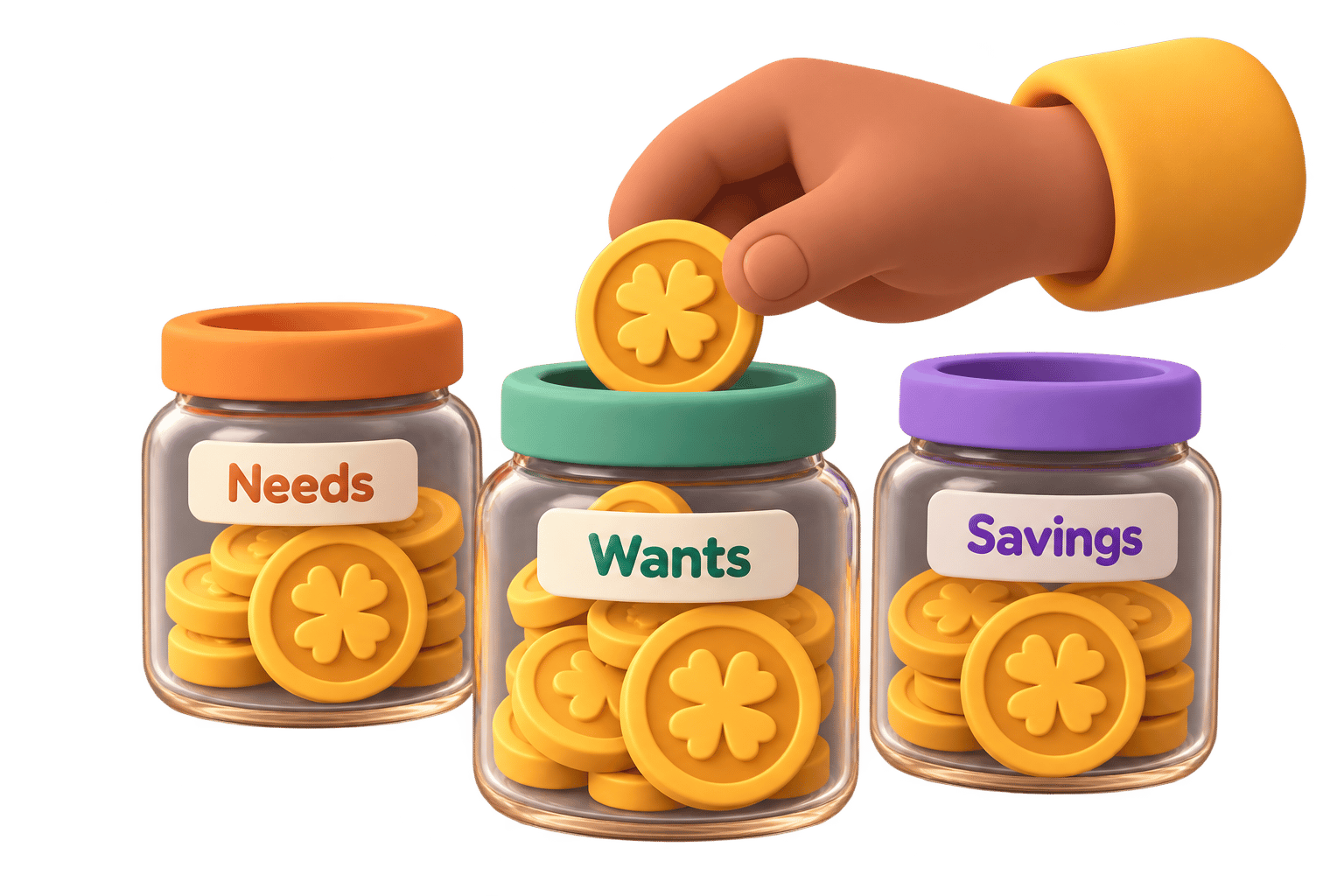
Know where it goes.
Set spending limits, organize your money, and see exactly where it goes.

Make saving a habit.
Set goals, track your progress, and watch your savings grow over time.

Stay on top of bills.
Keep subscriptions and recurring expenses in one place so nothing sneaks up on you.

Keep track of who owes who.
Keep your lending and borrowing organized without relying on memory.


See the bigger picture.
Understand your money at a glance with a simple overview of your financial health.
How it works
Freedom is built in small steps. These are the three Casi helps you repeat.
01
Track
Log income and expenses as they happen.
02
Organize
Budgets, savings, bills, and who owes who.
03
Check in
A clear view of your money, without the clutter.
FAQ
- What is CASI?
- CASI is a personal finance app for iPhone that helps you track income, expenses, and obligations in a simple daily workflow.
- How is CASI different from other finance apps?
- CASI is privacy-first and keeps the ledger on-device by default. It is spelled C-A-S-I, and it is not Kaasi or Cashee.
- Is my financial data stored privately on my device?
- Yes. By default, your ledger stays on your iPhone. Cloud Backup is optional with Casi Pro, and stays off until you sign in and turn it on.
- Who developed CASI?
- CASI is developed by Ziteox (Pvt) Ltd. Learn more at https://ziteox.com.
- Where can I get Casi?
- Casi is available on the App Store for iPhone. Download it free and start tracking your money today.
- Where does my money data live?
- On your iPhone by default. Signing in is optional. With Casi Pro, Cloud Backup can store a copy of your ledger after you sign in and turn it on.
- What can I track?
- Income, expenses, and obligations in the free core app. Casi Pro adds budgets, savings goals, envelope groups, obligation reminders, and Cloud Backup.
- Will this feel like accounting?
- No. Casi is built for everyday habits, not spreadsheets. You get a clear picture of your money, without the headache.
Your money. Your Casi.
Take your first step to financial freedom.
Download Casi for free and start building better money habits today.